

Saletti runs entirely in your mobile browser, letting you play slots, live games and table games from a phone without installing anything. You use the same account as on desktop, and the cashier, verification and support tools all work on a smaller screen.
We tested the site on both iOS and Android devices. The layout adapts to portrait and landscape, though some pages feel cramped on phones smaller than 5 inches. Below we explain how access works, what you can do from a phone, where mobile play falls short, and what to check before your first session.
Practical advice before playing on mobile
Set your deposit and loss limits before switching to mobile – it is easier to do on a full browser, and the tools work the same way once set. Use a private connection rather than public Wi-Fi; the operator encrypts the session, but an open network exposes your device to other risks.
Check the address bar after logging in: salettikasino.fi (or the domain you registered on) should be visible in full. Phishing sites targeting mobile users are common, and a mistyped URL can land you somewhere else.
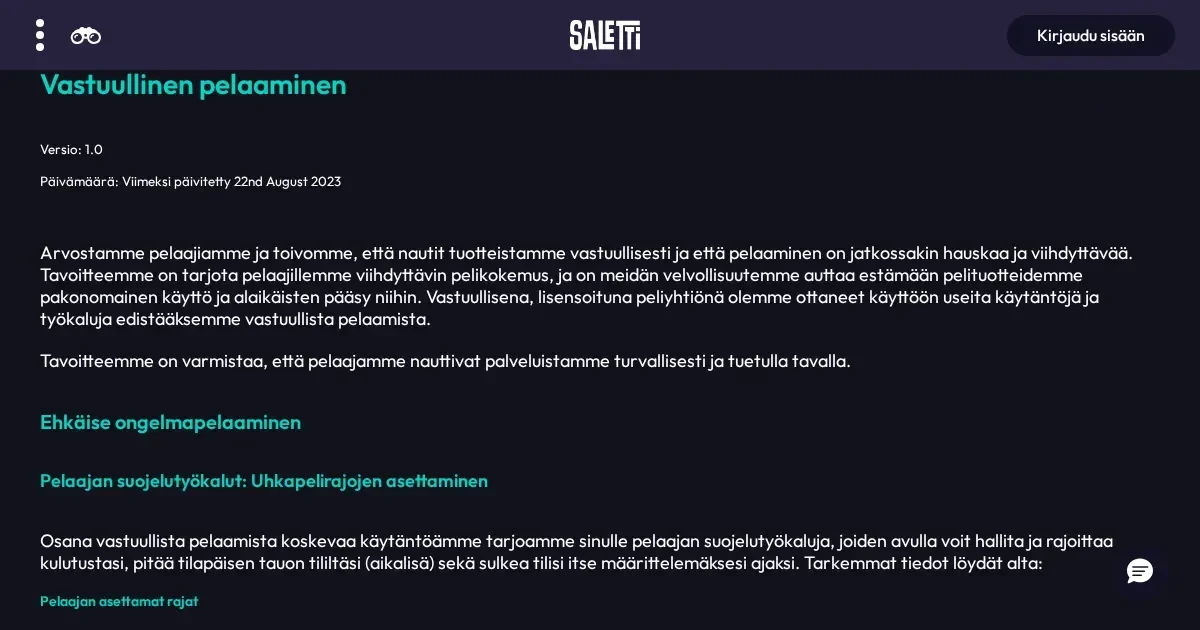
Sign out after each session if you share the device or leave it unattended. The browser may keep you logged in for convenience, but an unlocked phone in someone else's hands is a liability. Saletti offers deposit limits, spend limits, loss limits, timeout and self-exclusion – all of them apply regardless of which device you use.
Battery matters more than you expect. A long session drains power, and a dead phone mid-bet is not the operator's fault. Charge before playing, or keep the charger within reach.
Is there a Saletti app?
The operator runs a browser-based site, not a native app. You reach it by opening Safari, Chrome or another mobile browser and navigating to the same address you use on desktop. No download, no store listing, no permissions prompt.
This approach works on both iOS and Android without platform-specific builds. The trade-off: no app icon on your home screen by default, and no push notifications for bonuses or account updates. You can bookmark the site or add it to your home screen manually through your browser's settings if you want faster access.
What you can do from a phone at Saletti
The mobile site carries the full game library – over 2,500 slots, live casino tables and other games load in the browser without a separate client. Titles from the desktop version appear in the mobile catalogue, though the search and filter tools take more taps to navigate on a small screen.
The cashier works as it does on desktop. You can deposit through Trustly, check your balance, and request a withdrawal. The minimum deposit is 20 EUR, and the minimum withdrawal is also 20 EUR. Withdrawal limits stay the same: 5,000 EUR per week, with higher ceilings available for VIP players.
Identity verification can be completed on mobile. The operator may ask for a photo of your ID, proof of address, or payment method confirmation. Upload the documents through the account settings or send them via email to the support team. Camera uploads work, but scanning a document with a phone often produces clearer images than a quick photo.
Support is reachable through live chat and email. The chat window opens over the game screen, and the operator aims to reply to emails within 24 hours. Response times do not change based on which device you use.
| Feature | Available on mobile |
|---|---|
| Games | Full library – slots, live casino, table games |
| Deposits | Trustly, 20 EUR minimum |
| Withdrawals | Trustly, 20 EUR minimum, 5,000 EUR weekly cap |
| Verification | Upload documents or email support |
| Live chat | Yes, overlays the game screen |
| Bonus activation | Manual opt-in through account settings |
What is worse or missing on mobile
The game grid shows fewer titles per screen, so browsing the catalogue takes more scrolling. Filters for provider, theme or volatility exist, but the controls are smaller and occasionally mis-tap on phones with screens under 5 inches.
Live casino tables display in a reduced resolution on most phones. The video stream adjusts to your connection, and on slower networks the picture quality drops to keep the game playable. Landscape orientation helps, but a small screen makes it harder to see card details or the roulette wheel clearly.
Multi-table play is not practical. The browser can load more than one game tab, but switching between them on a phone disrupts the session. Desktop players often run several slots or live tables at once; mobile players are better off focusing on one game at a time.
The terms and conditions pages are harder to read on a small screen. The text does not reformat well for portrait view, and zooming in to read the wagering rules or withdrawal conditions requires constant panning. Print or read the key terms on a larger screen before activating a bonus.
How to reach the site from your phone
- Open Safari, Chrome, Firefox or another mobile browser.
- Type the operator's address into the address bar – the same domain you registered on.
- Tap the login button at the top of the screen and enter your username and password.
- The site loads your account, and you see the same balance and game history as on desktop.
If you have not registered yet, the sign-up form is accessible from the mobile site. The steps are identical to desktop registration: email, password, currency selection (EUR for most players), and personal details.
Two-factor authentication, if you enabled it, works the same way. The operator may send a code to your email or phone, depending on your account settings. Keep the device that receives the code nearby during login.
Connection and session length on mobile
A stable connection matters more on mobile than on desktop. A dropped Wi-Fi signal or a weak 4G link can freeze a game mid-spin, and the operator's system may time out your session if the connection breaks for more than a few seconds. Play on a reliable network, and avoid switching between Wi-Fi and mobile data during a session.
Long sessions drain battery faster than casual browsing. Live casino streams and animated slots consume more power than static pages, and a phone that starts at 30% charge may not last an hour of continuous play. Plug in or pause the session before the battery dies – a dead phone mid-bet does not void the round, but you lose visibility of the outcome until you reconnect.
The operator's terms state that the maximum amount they are obliged to pay for any single bet or spin is 250,000 EUR, excluding progressive jackpots. That ceiling applies regardless of device, but a mobile session interrupted by a dropped connection or a dead battery does not change the result – the round completes on the server, and the balance updates once you log back in.
Responsible gambling on a device you carry everywhere
Mobile access makes it easier to play impulsively. A phone is always within reach, and logging in takes seconds. The convenience is the risk: no cooldown period, no physical barrier, no moment to reconsider.
Set limits before playing on mobile, not during a session. Deposit limits, loss limits and timeout options are easier to configure on a full browser, and they take effect immediately across all devices. Once set, they cannot be raised instantly – the operator enforces a delay for increases, which is the point.
If gambling stops feeling like entertainment, free and confidential support is available at BeGambleAware.org or by calling the National Gambling Helpline on 0808 8020 133 (24/7, free from UK landlines and mobiles). GamStop offers free national self-exclusion across licensed sites.
Blocking software such as Gamban and BetBlocker (free, multi-platform) can prevent access to casino sites from your phone entirely. If you share the device with a minor, parental-control software such as Net Nanny or Qustodio adds another layer of protection.
Access to this site is restricted to persons aged 18 and over (18+). We want your play to stay enjoyable – for free, confidential support, visit BeGambleAware.org.